
Online shops
Explain product details, care instructions and published delivery or returns policies from your store's knowledge.
Product guides + store policies
Empower Your Customer Support
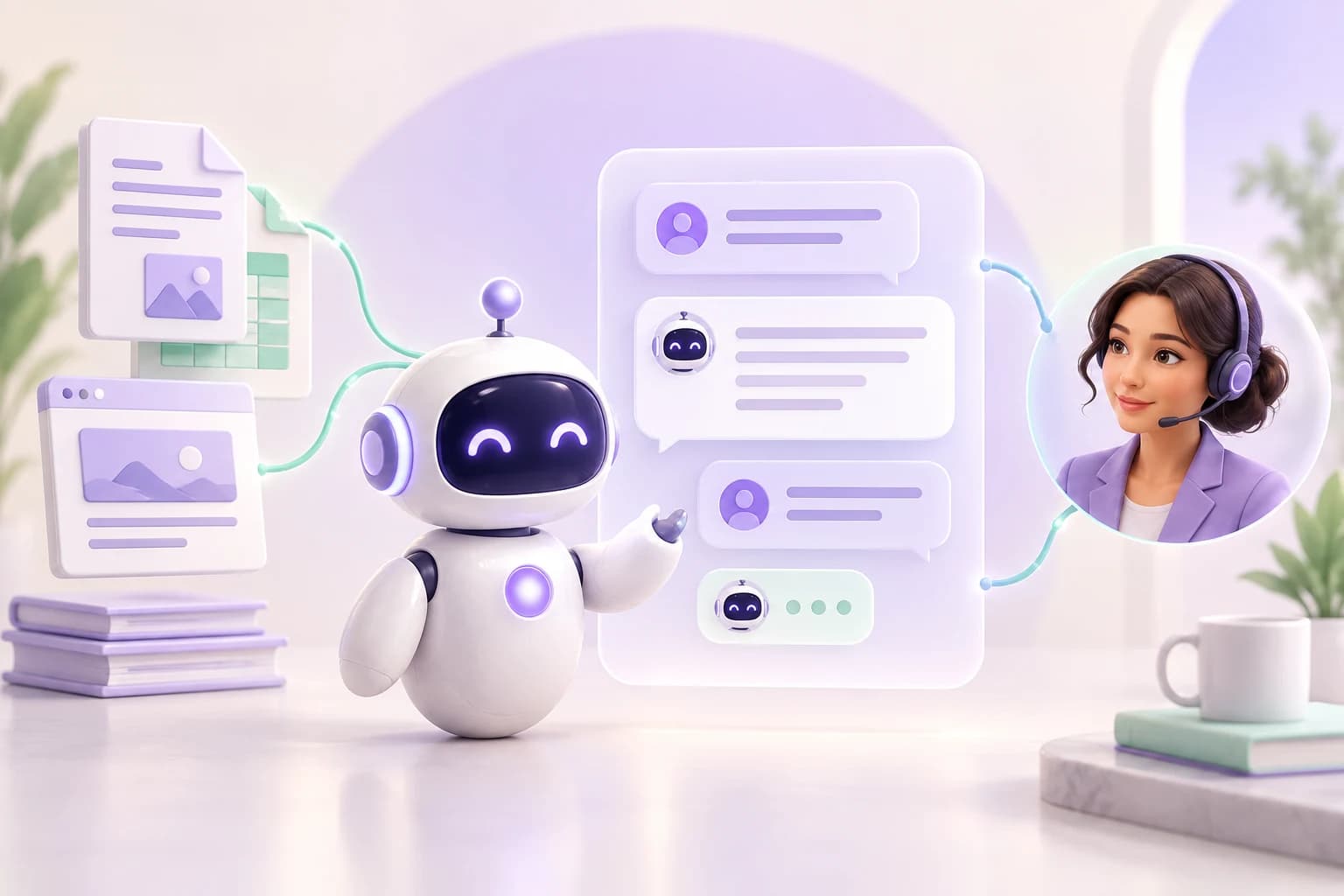
Turn your PDFs and website content into an AI support assistant. Answer questions on your website and LINE, review your knowledge, and bring your team into the conversation when customers need a person.

For your everyday customer questions
Product care, delivery policies, opening hours: put the information you already share to work. Give your assistant your own content, review its answers, and let your team handle the questions that need a personal touch.
Explain product details, care instructions and published delivery or returns policies from your store's knowledge.
Product guides + store policies
Help visitors understand your services, opening hours and preparation instructions before they speak with your team.
Service pages + visitor FAQs
Turn manuals and getting-started pages into guided answers, then hand unusual cases to your support team.
PDF manuals + help pages
Illustrative conversation
Explore a sample product question, then switch to a request for a person. Your content supports the answer; your team can take over when the customer needs more help.
Build your AI chatbotIllustrative conversation
Customer
How do I care for my new bag?
AI assistant
Your care guide recommends a soft, dry cloth. Keep the bag away from direct heat and store it in its dust bag.
Example knowledge: product care guide
Sample content only. Your bot's answers depend on your knowledge and configuration.
Attach PDFs and web pages to a bot so it can find relevant knowledge for customer questions.
Generate draft Q&A, edit the wording, and decide which published answers can be retrieved.
Manage bots, knowledge, operators, and conversations under your selected team. Switching teams changes the support workspace.
Choose a bot, upload a PDF or add a web page, and wait for indexing to finish.
Review suggested Q&A and try real customer questions in the widget test console.
Install the website widget or connect LINE, then add operators for conversations that need human help.
Give website visitors a place to ask questions while they explore your products or services. Preview your assistant before adding the chat widget to your site.
Read the setup guideBring answers from your business knowledge into LINE conversations. Connect your channel to a bot and let your team step in when customers need a person.
Read the setup guide
When an answer needs a person, route the conversation to an available operator. Your team can read the transcript, reply in the inbox, and close the thread after helping the customer.
Read the setup guideIllustrative business scenario
This assistant answers from the knowledge you provide. It does not automatically access your order or booking system. Send requests that need account-specific information or an action to your team.
You can upload PDFs and register web pages. Once indexed, the content can support answers. You can also generate, review, and publish Q&A from those sources.
Yes. Team admins grant operator access to existing team members. Available operators can handle escalations in the inbox and reply through the customer's connected channel.
Manage bots, sources, Q&A, and operators in the dashboard. Website installation needs a small script snippet; LINE setup needs your channel credentials and a webhook setting.
A configured fallback email route can send the conversation to your team for follow-up. Check the Fallback Email page and ask your workspace administrator to configure a route if none is listed.